So after printing a test page from a pdf yesterday, today Gae tried to print a document from Libraoffice and it failed to find the printer. So I configured using Bonjour and it now sees the printer but fails to print. Pictures to follow. Thoughts please.
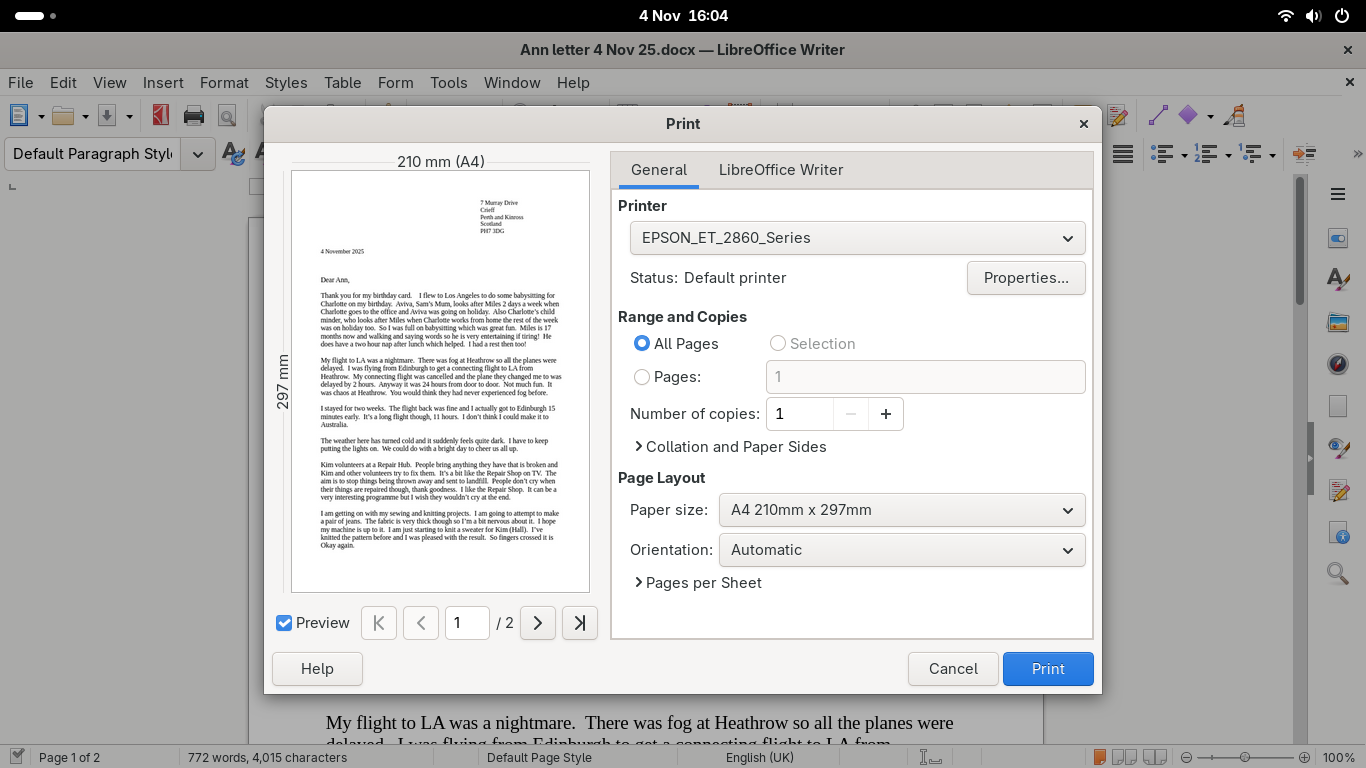
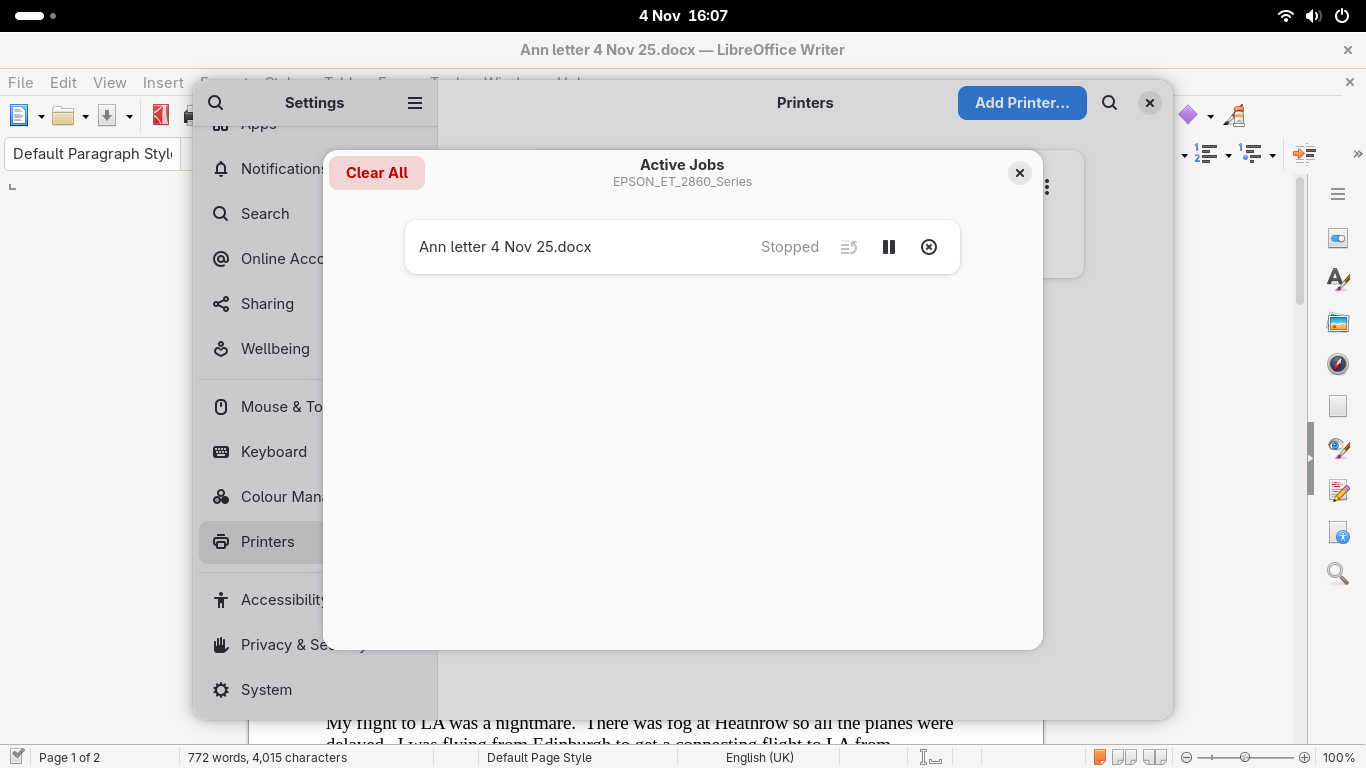
And it will no longer print the PDF.
Oh, that’s frustrating, sorry @Kim. We had success with your laptop via CUPS, maybe we should try that?
Steps:
- Open http://localhost:631 in Firefox to access CUPS
- Open a Terminal (you’ll have an app for that)
- Run
lpinfo --include-schemes dnssd -vin the terminal - Add a printer in the CUPS interface
I forget exactly what the steps are in CUPS, as I don’t have a printer here, but IIRC we selected any old printer and then changed the address of the printer to the output of lpinfo, and selected the Epson driver from the list.
That would be my next step, feel free to post more pictures if you get stuck.
I assume this is a network printer?
I did do the first bit but I haven’t added the printer to the CUPS interface. I’ll give that a go.
And yes Martyn it’s a network printer.
I’ll report back.
1 Like
The part I forgot to do was to add the printer at the end of the process. Now added, now works. Thanks.
1 Like
Good to know! We should get some FAQs going 